arcadegnt

Articles

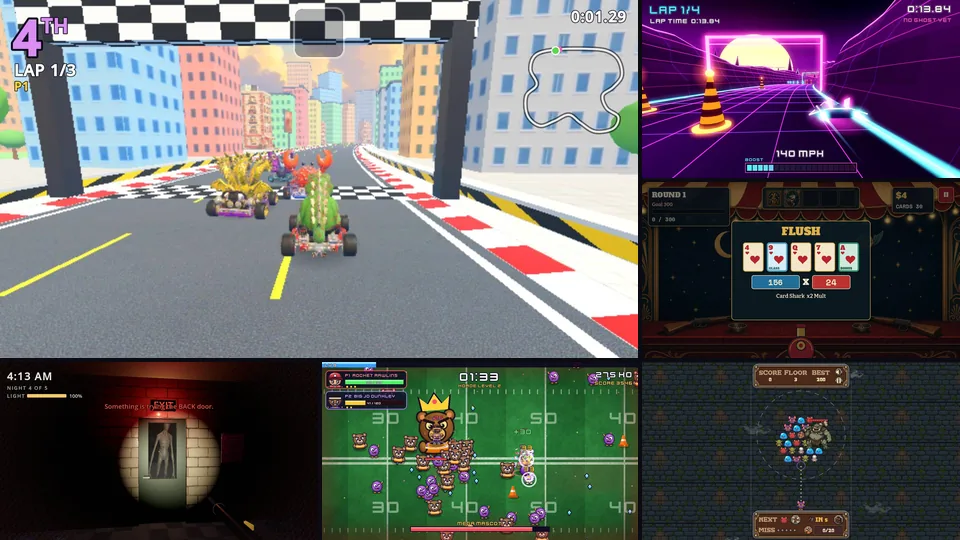
Ways to make your game look and play great: build art in code, bring in free packs, connect tools next to arcadegnt so your assistant makes models and sprites in the same conversation, and get it right on phones.

Claude
Making games with Claude Opus 5.5 and arcadegntWhat Anthropic's newest Opus model brings to game making: sharper eyes on screenshots, a whole Godot project in mind at once, art built in code, clearer reports, and a lower price. Plus how to prompt it for the best results.
In code
Make good-looking games without asset generatorsNo Meshy, no image model, no API keys. How your assistant makes a browser game look finished with light, procedural textures, shader water, skies and motion, all written in code.
Free packs
Use free asset packs from Kenney and Poly Haven in your gameThousands of free CC0 sprites, models, textures, skies, fonts and sounds. Paste a link and your assistant pulls the pack into your arcadegnt game, picks what it needs and builds with it.
3D models
Make 3D browser games with Meshy MCP and arcadegntConnect Meshy to your assistant next to arcadegnt, generate rigged 3D characters and props from a sentence, and play them in a Godot game in the browser minutes later.
Pixel art
Make pixel-art browser games with PixelLab MCP and arcadegntConnect PixelLab to your assistant next to arcadegnt and get animated pixel-art characters, tilesets and maps in a game you can play on any phone or computer.
Levels
Build 3D game levels with Blender MCP and arcadegntLet your assistant drive Blender to model levels, ships and props, export them as glTF, and play them in a Godot browser game built by arcadegnt.
Phones
Make browser games that play great on phonesMost players will open your game link on a phone. How arcadegnt games get touch controls, a HUD that fits, the right orientation and a small download, and how your assistant tests it on a real phone screen.